Three years ago, AI tooling for web development felt like a neat toy. Today it is part of the default workflow — serious teams without it are simply slower than competitors. But the gap between “AI helps” and “AI solves everything” is huge, and most articles sidestep it. Here is a concrete look at where ai in web development delivers real leverage — and where you should still rely on human judgement.
What changed in how we build for the web
AI tools did not arrive overnight; they got sharper step by step until ignoring them started to cost real money and time. Surveys from developer communities in 2025 suggest more than 80% of active developers use automation for code generation and refactoring every day. That is not a trend anymore — it is the new baseline.
Ai development now spans the whole lifecycle: interface prototyping, tests, security review, even SEO copy drafts. Engineers who combine these tools deliberately often close tickets twice as fast — not hype, just what I have seen working with teams in the field.
The trap is real: newcomers sometimes treat AI as a substitute for understanding the stack. That is how you end up with ai front end development producing a pretty component that breaks the architecture — because nobody sanity-checked the output.
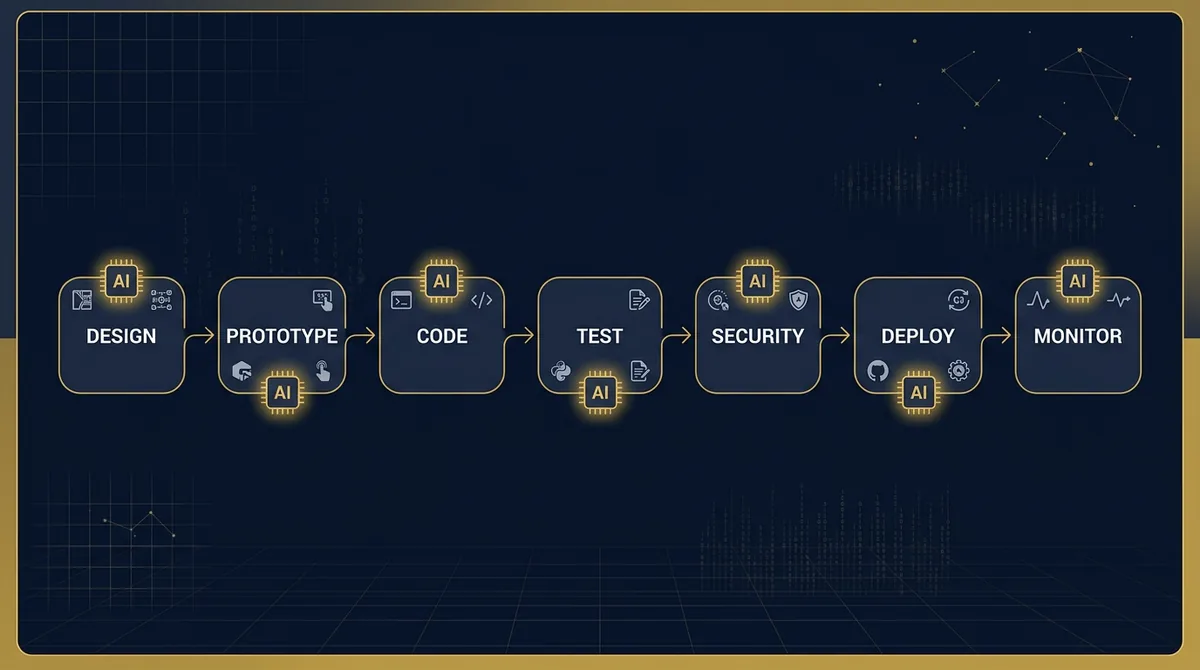
Where AI really saves time: concrete zones
Code generation and autocomplete
GitHub Copilot is the de-facto standard for many teams. It is not only line completion — it can propose whole functions with file context. Work that used to burn twenty minutes of boilerplate for a REST API often lands in three to five minutes including review.
OpenAI Codex (in 2026, built on engineering-focused models such as o3) goes further: GitHub integration, PR reviews, commit messages, even running fixes in your environment. It works best when the codebase is structured. On huge monoliths with weak docs, hallucinations show up fast.
Also worth a look: Claude Code from Anthropic — a terminal-native assistant that keeps project-wide context without constantly re-uploading files. For daily macOS or Linux workflows, it is one of the smoother options I have tried.
Design and prototyping
Uizard turns a hand-drawn sketch into an interactive prototype in minutes — that is the actual product mechanics, not marketing fluff. For ai front end development, it means designers and engineers can align on the concept before the first line of production code exists.
Relume pushes further: sitemaps, wireframes, and style guides in one pass, with hooks into Figma and Webflow. I have seen teams compress a two-week design spike into three days by starting from Relume and then polishing manually.
If you need web development from scratch without a large studio, these tools let one person cover work that used to need a designer plus an engineer.
Testing and security
Applitools checks visual parity across browsers and devices — diffing against baselines and catching gaps humans miss. That matters when Safari and Firefox still diverge from Chrome in subtle CSS ways.
Snyk scans code and dependencies for vulnerabilities using models trained on massive code corpora. One missed production issue can cost more than a year of subscription fees.
No-code builders: who they are for
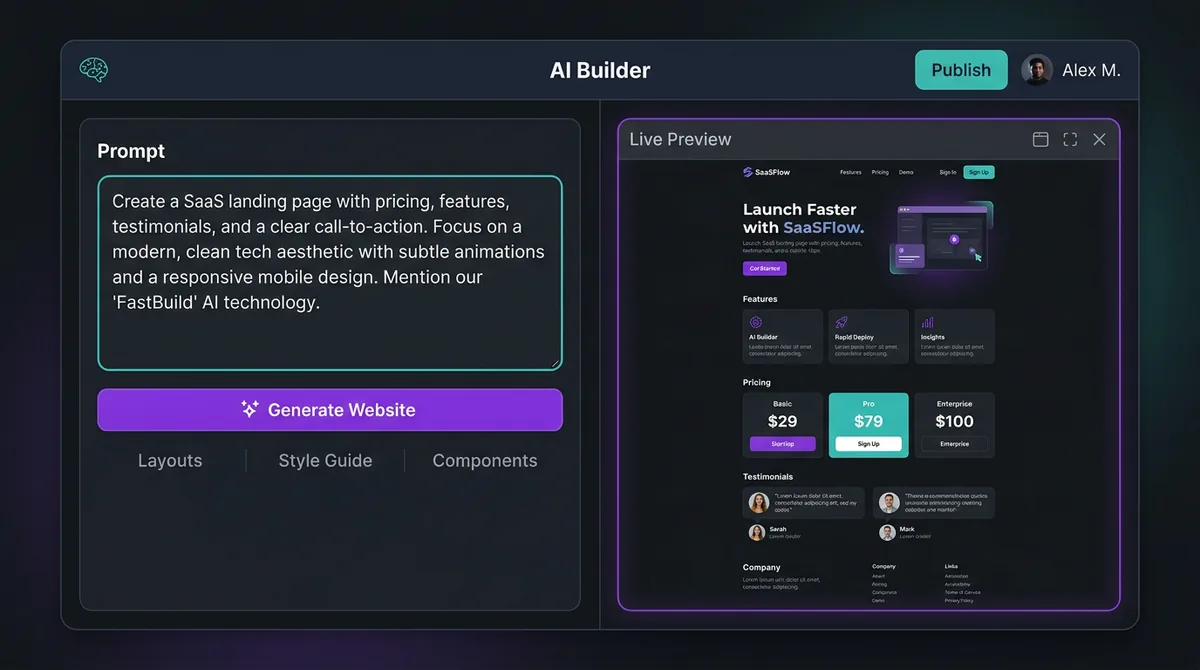
Wix ADI and Lovable sit in a different category — aimed at people who need a site without living inside engineering details. Lovable can spin up a full stack from prompts while still exposing code for engineers who want to refine the result.
That is not a replacement for serious web builds with complex business rules. For a landing page, MVP, or internal dashboard, though, it is a legitimate way to shrink launch time from weeks to days.
What AI still cannot do for you as a developer
Honesty matters — and this is the section many tool roundups skip.
AI struggles with deep architecture. If you run microservices with many dependencies and bespoke business rules, generated code will be wrong or irrelevant. The model does not “understand” your business — it predicts tokens from training patterns.
Creativity is another boundary. AI remixes existing patterns. Truly distinctive UX that reflects a specific audience and brand voice is still human work. Figma AI and Adobe Sensei speed you up; they do not replace a designer who understands user psychology.
Finally, security and privacy responsibility. Public models may retain fragments of your code and reuse context in ways you cannot fully audit. For regulated or sensitive data, vendor choice is not a footnote — it is core risk management.
How to pick an AI tool for your project
| Criterion | What to check |
|---|---|
| Cost | Whether the plan matches your workload; ROI from time saved versus monthly subscription price |
| Integrations | Fit with your IDE, CI/CD pipeline, and version-control workflow |
| Security | Data residency, retention policies, and whether enterprise tiers offer isolation |
| Learning curve | Quality docs, active community, and support responsiveness |
For structured comparisons of approaches and vendors, DigitalOcean's community tutorials on AI tooling for developers remain one of the better starting points.
Need a team that pairs AI speed with engineering discipline?
We help you choose stack, process, and safety controls — without the hype cycle pretending models are magic.
Talk to usSEO and site contentAI developer: a role that already exists
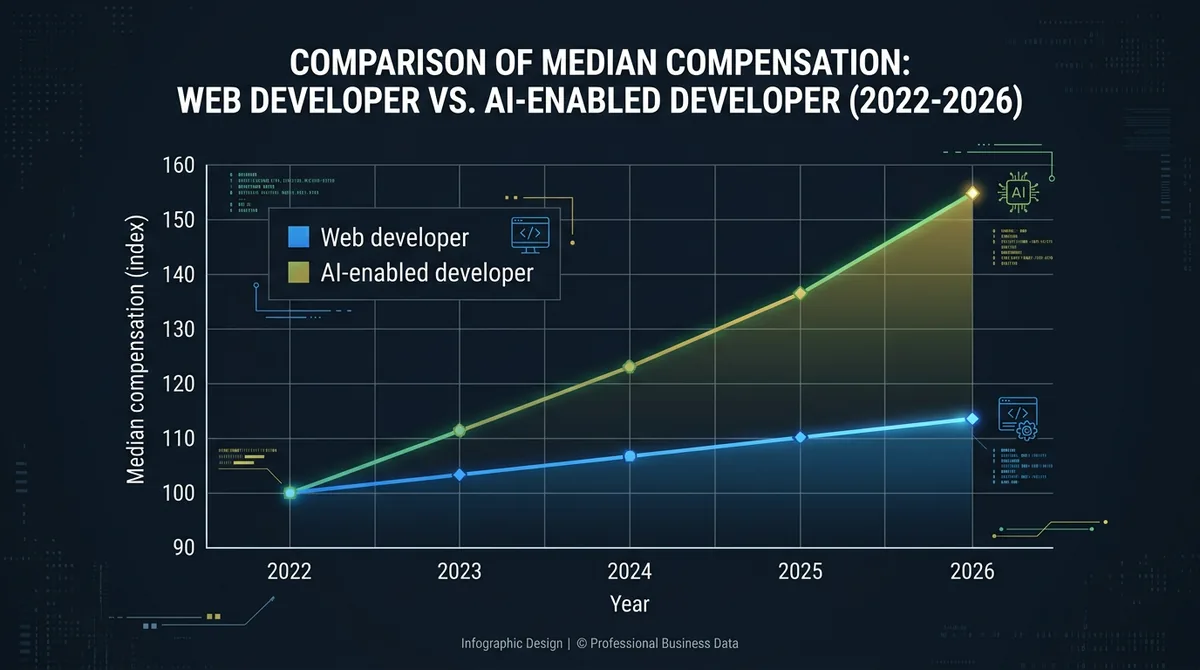
AI developer is not a future job title — it is here. People who can align models to product constraints, wire them into shipping systems, and govern failure modes command a premium on the market.
On compensation: ai developer salary bands in Europe for 2025–2026 often start around €60k for solid mid-level roles and move past €120k for seniors with serious LLM integration experience. Ukrainian outsourcing teams are hunting that profile aggressively — and demand is not cooling.
You do not need a machine-learning diploma to move in that direction. You do need a deep mental model of how AI tools fail, where their limits are, and how to build pipelines where humans and models complement each other. For market context and learning paths, SitePoint still publishes useful practitioner material.
FAQ
What is an AI developer and how is that role different from a regular developer?
An AI developer is not only someone who uses AI tools to move faster, but also someone who ships products with AI inside: chatbots, recommendation systems, automated pipelines. They know how to wire LLMs through APIs, tune prompts, evaluate answer quality, and constrain risk for the final product.
Can AI fully replace a web developer?
At today's level — no. AI is strong on routine work: boilerplate code, simple components, basic testing. Complex architecture, non-standard business logic, and UX decisions tailored to a specific audience still sit with humans.
Which AI tools are best for beginners in web development?
GitHub Copilot if you already write code and want speed. Lovable or Wix ADI if you need a site without deep programming. Uizard if you care about design and prototyping. Start with one tool instead of trying to learn everything at once.
What is AI front-end development and how does it change designers’ work?
It means using AI to accelerate front-end workflows: generating UI components, automating layout, checking accessibility, optimising images. Designers focus on concept and UX strategy while AI handles more of the implementation detail.
How much does an AI developer earn and what skills are required?
Ai developer salary varies by market and seniority: in Ukraine, a common band is roughly $3,000–7,000/month for middle–senior roles; in Western Europe, roughly €60,000 up to €120,000+ per year. Core skills: LLM architecture intuition, API experience (OpenAI, Anthropic, Hugging Face), Python or JavaScript, and the ability to critically judge model output.
Is it safe to use public AI tools on commercial projects?
It depends on the vendor and plan. GitHub Copilot's enterprise terms are designed so your code is not retained to train the model. On free or basic tiers the picture differs — read the privacy terms before pasting sensitive client code or data into prompts.
How does AI affect SEO and website content?
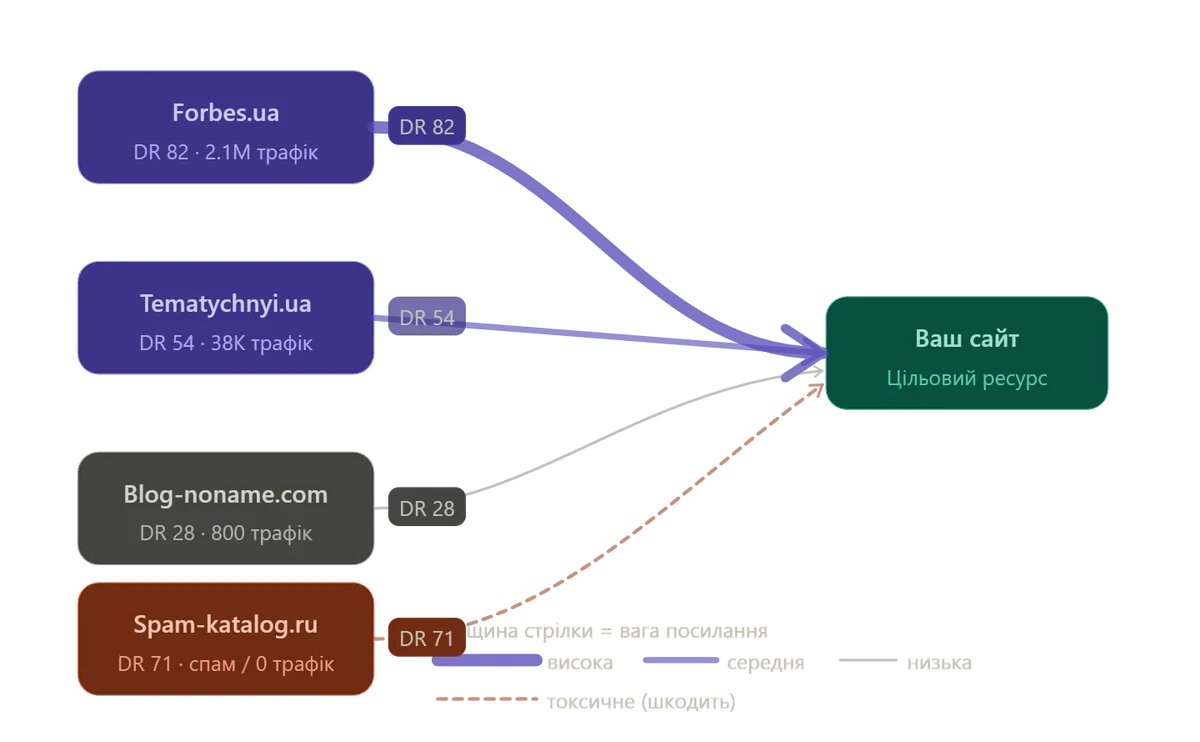
Tools like Clearscope and Jasper help surface the right keywords and structure content for search algorithms. In 2026, search engines are good at spotting purely AI-generated text, so the strongest workflow is AI for drafts and humans as editors. For baseline SEO mechanics, see our becode.tech primer.
Closing take
AI in ai in development is not a revolution that deletes the need for people. It shifts the balance between repetitive work and judgement: less drudge, higher expectations for architecture thinking and critical reasoning. Teams that internalised that already compete on a different speed curve. Everyone else is playing catch-up.

You may also like
Need a team that adopts AI without breaking code quality or security?
We help with process, stack, and quality gates so AI speeds delivery instead of replacing engineering discipline.